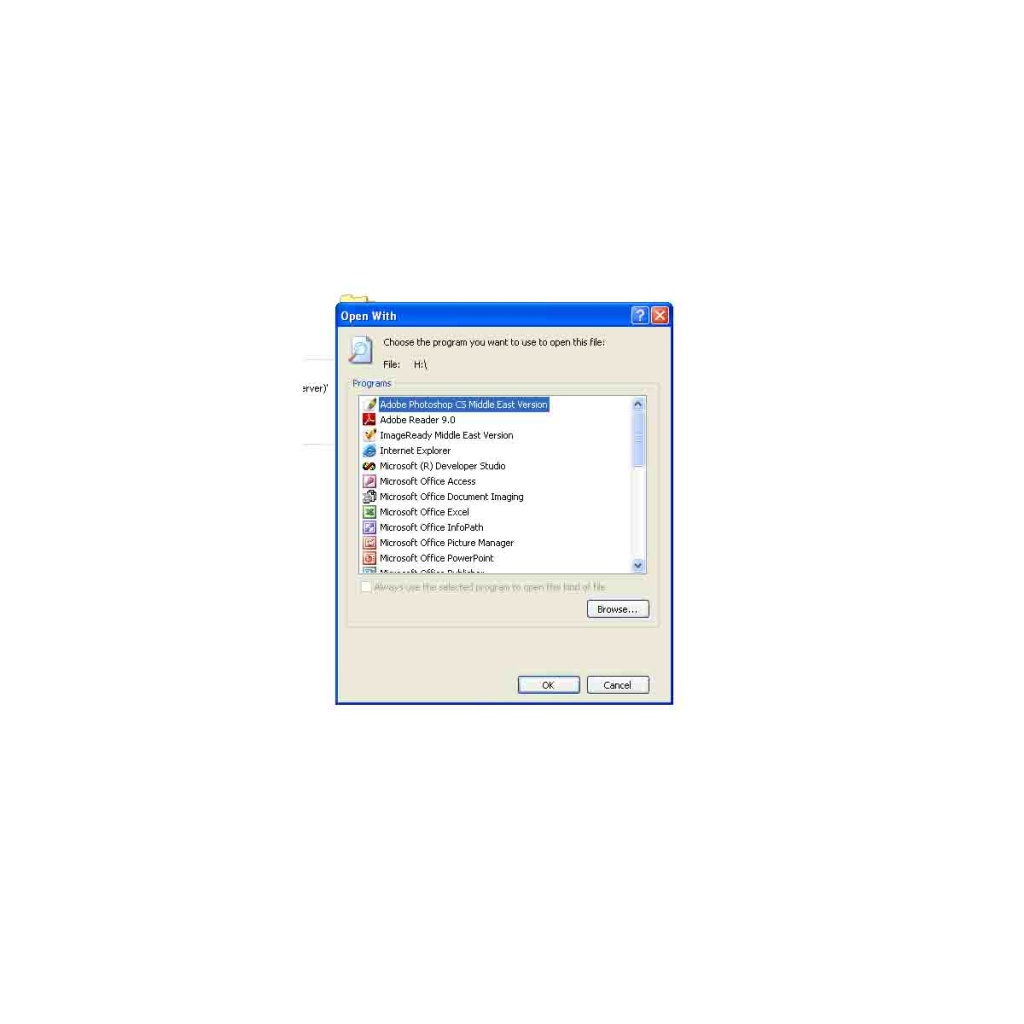
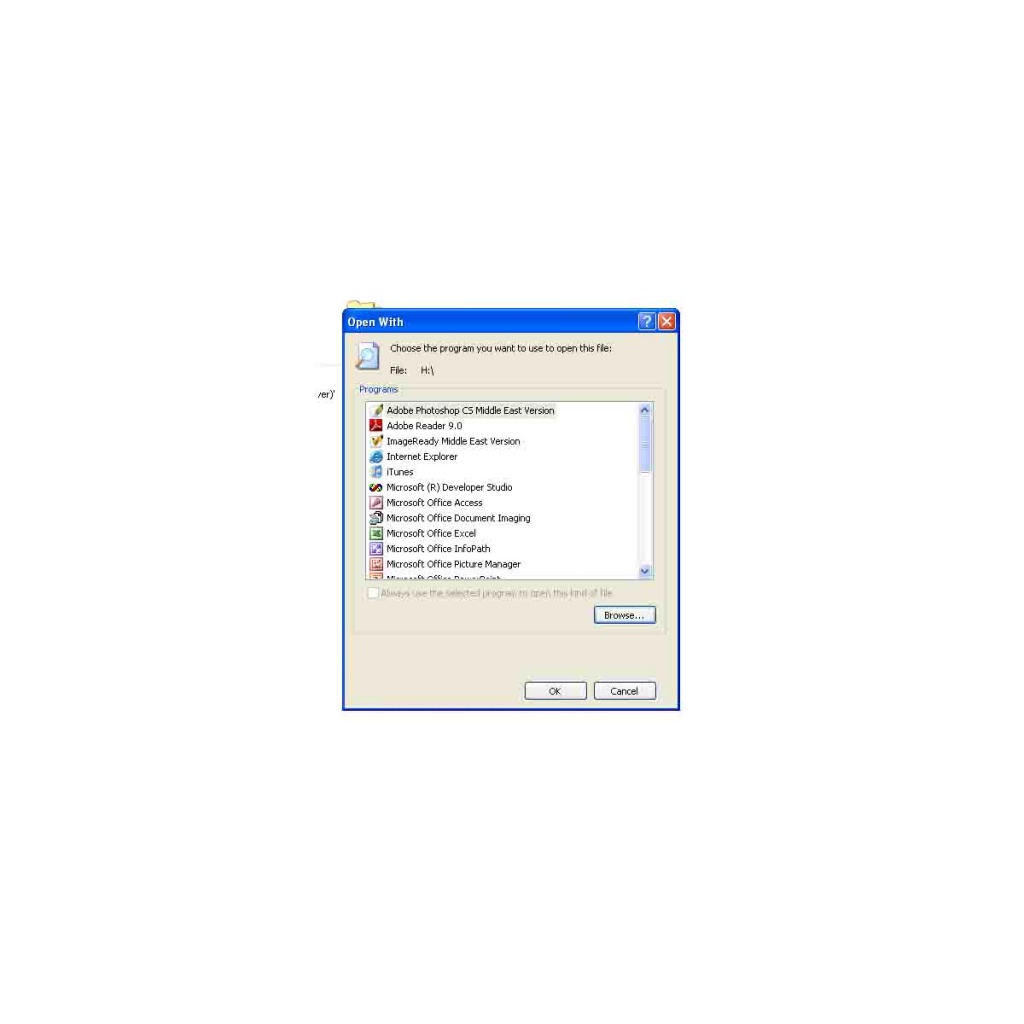
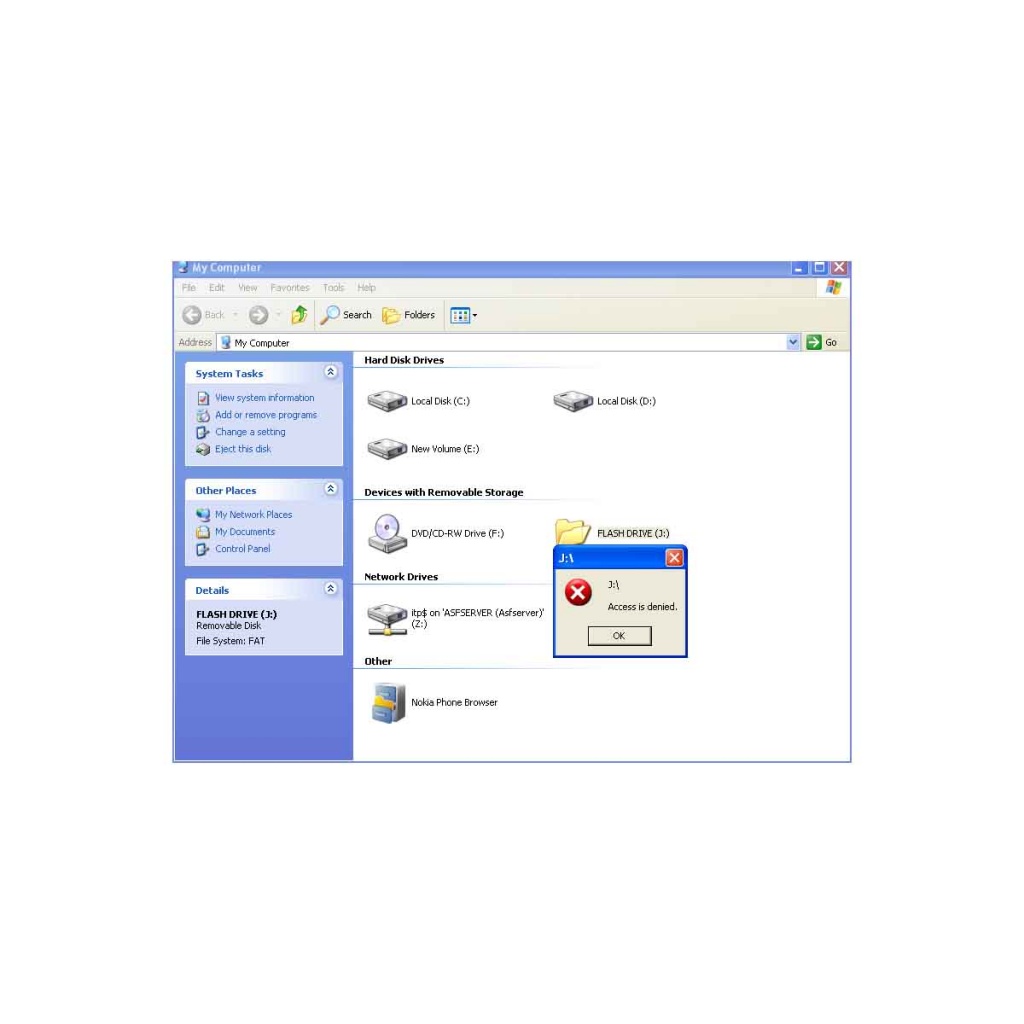
Can anybody tell me .Why i am getting Access is denied error .when i tried to open flash Drive .Kindly let me know the idea.Any help would be highly appreciated.Kindly find the attachemt also.

Dani AI

Generated

Thread summary and focused next steps based on the posts: is getting "Access is denied" when opening a USB stick. suggested an autorun.inf problem and suggested testing other ports/machines. Since deleting autorun.inf did not fix it, the next steps are a short, ordered diagnosis and safe recovery plan.

Try these in order (run an elevated Command Prompt where noted and replace X: with your flash drive letter):

  • Quick checks: try the stick on a second, clean PC and a different USB port. Open Disk Management (diskmgmt.msc) to confirm a drive letter and file system (FAT32, exFAT, NTFS). If the drive is missing a letter or shows RAW, note that before making changes.

  • Reveal hidden/malicious items and remove easily-restorable malware artifacts:

    attrib -h -r -s X:\*.* /s /d

    If you then see normal folders/files, scan the drive with an up-to-date antimalware scanner (Malwarebytes or Microsoft Defender Offline).

  • If you still get "Access is denied" and the filesystem is NTFS, it may be an ownership/ACL problem. To take ownership and grant yourself full control:

    takeown /f X:\ /r /d Y
    icacls X:\ /grant %username%:F /t

    Run those as Administrator. Use caution — these commands change ACLs for everything under the drive.

  • Run a file-system check if corruption is suspected:

    chkdsk X: /f /r

Notes and cautions: if the files were encrypted with EFS or the drive is BitLocker-protected, you will need the original certificate/password to access data. If the drive shows RAW or chkdsk fails, do not reformat if you need the data — make an image of the drive (a Linux live USB + dd or a dedicated imaging tool) and use recovery tools (TestDisk/PhotoRec) or a professional service.

If the above still fails after malware removal and permission fixes, the problem is likely hardware or deeper corruption. Reformatting will make the drive usable again but will erase all data; only reformat after you have recovered anything important.

Recommended Answers

All 5 Replies

Have you tried your drive on any other computer, and if so does it work okay or do you still get the same error?

Try your drive in a different USB socket and if you still get the error, check the driver for it has been installed correctly. The only other thing I can think of off hand is to try adjusting the security permissions, failing that it may be a case that your drive is faulty.

Sometimes when i tried to open i got this message.Kindly find the
attachment also.and let me know the idea.

firoz i think there is a file in your USB disk "autorun.inf" try to delete it from MS DOS.

Resolved

I Have deleted the autorun.inf from the Dos Prompt .But still i am getting same issue .when i tried to open flash drive.Kindly find the
attachment also.and let me know the idea.

Be a part of the DaniWeb community

We're a friendly, industry-focused community of developers, IT pros, digital marketers, and technology enthusiasts meeting, networking, learning, and sharing knowledge.