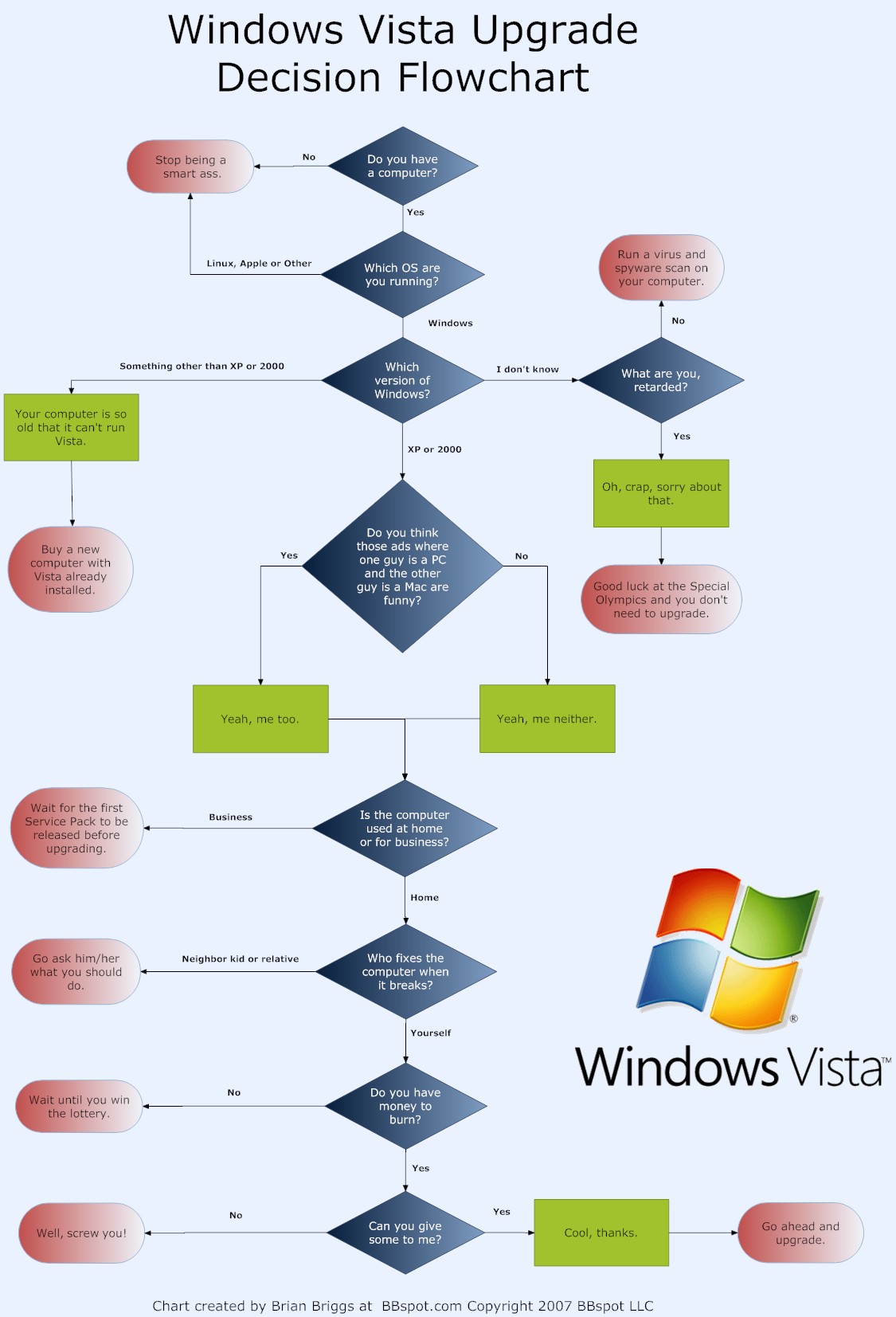
I would like a small sample if possible. Lets say you are creating a flow chart that shows the an order process in which you have to enter a new customer in the data base. How would you make a flowchart to reflect that?

Thanks
Augie

Dani AI

Generated

A practical way to do this for is to treat two views separately: a simple procedural flowchart for the step-by-step order handling (what a clerk or program does), and a lightweight dataflow sketch that shows where data lives (customer table, order table) and who touches it. That distinction answers 's point about dataflow diagramming: use a DFD when you need to model data movement between actors and stores; use a flowchart when you need conditional logic and sequencing.

A compact flow to draw (start -> end) looks like this:

Start
  |
Receive order input
  |
Decision: Customer exists?
 /            \
Yes            No
|              |
Load customer  Collect customer details
|              Validate customer data
|              Insert customer -> Get customer_id
|              |
Create order record (with customer_id)
Validate order
Save order -> Commit
Send confirmation
End

A tiny pseudocode snippet that maps to the chart:

if existsCustomer(key):
    customer_id = loadCustomerId(key)
else:
    customer_id = insertCustomer(customerData)
order_id = createOrder(customer_id, orderData)
commit()
sendConfirmation(order_id)

Practical tips: label process boxes with verbs (Collect, Validate, Insert). Use a diamond for yes/no checks. Draw data stores (customer DB, order DB) as clearly separate shapes and name the key fields you check (email, account number) so reviewers know the uniqueness rule. Include error paths (validation failed, DB error) and a rollback/compensating action if the order save fails. For tools, mentioned Dia/Visio; other simple options are diagrams.net (draw.io), Lucidchart, or yEd.

Finally, follow real-world constraints: validate required fields, check for duplicate customers before insert, log decisions (was a new customer created or an existing one used), and keep the flow small and readable—one page for the happy path and a second for detailed error handling if needed.

Recommended Answers

All 5 Replies

i am just studying this at college. Its called dataflow diagramming

I will try and scan in some of my worksheets tomorrow

You know, a quick google search shows so many illustrations and explanations it's incredible!

Some flowcharts you can look at:


Number 3

I did google flowcharts,but I couldn't find what I wanted. Any other ideas or specfic web site you can think of?

First insert the check for new customer (yes or no) if it is new add it to database or else wat ever you like exit or update process

I use Dia or Visio

Be a part of the DaniWeb community

We're a friendly, industry-focused community of developers, IT pros, digital marketers, and technology enthusiasts meeting, networking, learning, and sharing knowledge.